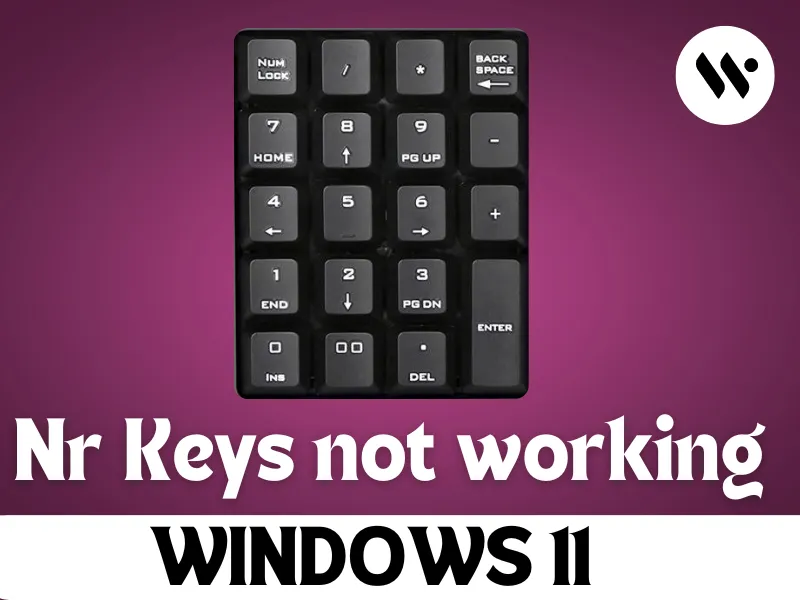
How to Fix Number Keys Not Working on Windows 11
Learn the practical solutions to fix number keys not working in Windows 11. From Num Lock toggles and driver updates to registry edits and power setti...
Read
How to Improve Font Rendering in Windows 11
Improve Font Rendering in Windows 11 – Apply ICC profile, adjust anti-aliasing in Registry Editor, enable Grayscale in Accessibility, use PowerShell...
Read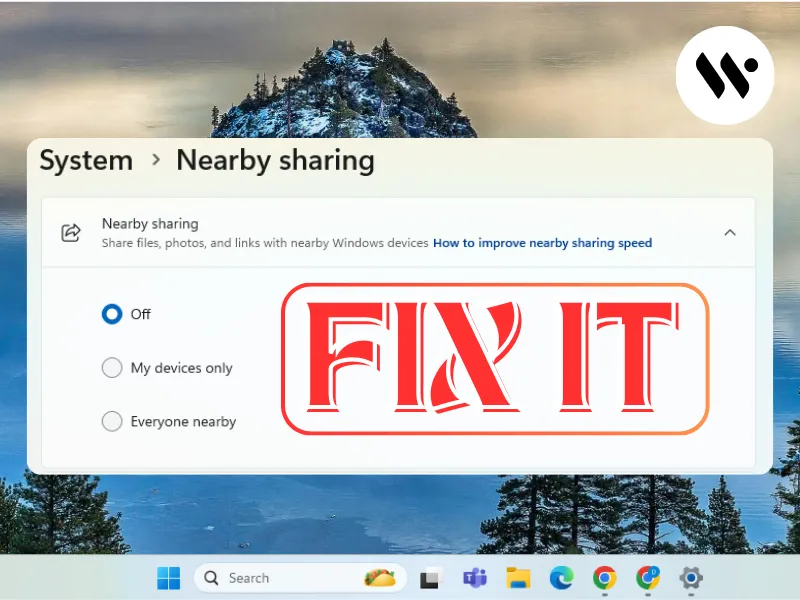
Quick Fix for Nearby Sharing Not Working on Windows 11
Fix Nearby Sharing on Windows 11 with easy troubleshooting steps. Enable settings, update drivers, reset configurations, and adjust firewall settings ...
Read
Windows 11 Clock Wrong? Enable Automatic Time & Time Zone Instantly
Learn how to enable and troubleshoot automatic time sync on Windows 11. Follow step-by-step instructions to sync your system clock, set the correct ti...
Read.webp)
How to fix AutoHotkey (AHK) Not Working in Windows 11
Learn how to fix AutoHotkey not working in Windows 11. Troubleshoots permission, security, and compatibility issues to get your AHK scripts running sm...
Read
How to Install KeePass on Windows 11
Get KeePass up and running on Windows 11 in no time. KeePass is a free password manager that keeps your passwords safe with strong encryption. Securel...
Read
Quick Fix: Restore the Missing Menu Bar Not Showing in Windows 11
There are a few possible solutions for "fix the missing menu bar in Windows 11": restart Explorer, adjust settings, run the Troubleshooter, repair sys...
Read
How to Stop the Spinning Blue Circle on Windows 11
Dealing with the spinning blue circle on Windows 11— Here’s how to fix it: manage your processes, perform a clean boot, update your drivers, check...
Read
Fix Windows Spotlight Issues on Windows 11 in Minutes – Try This Now!
Fix Windows Spotlight issues on Windows 11 without hassle. Read on and learn about making settings changes, clearing up your cache, running troublesho...
Read