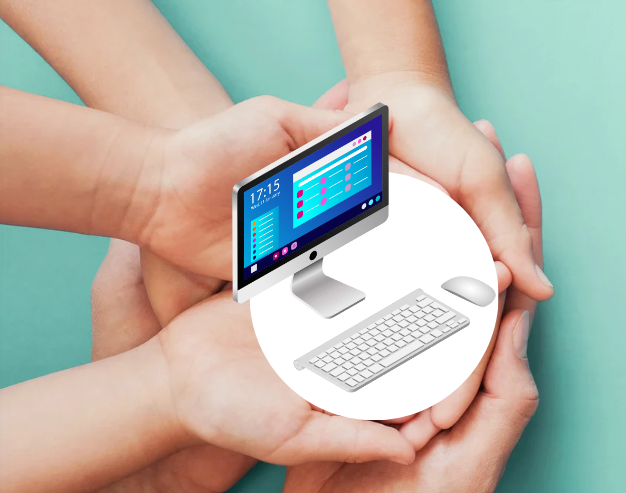
How to Check PC Health for Windows 11
Ensuring the health of your PC is crucial for maintaining its performance, security, and longevity. With Windows 11, Microsoft has introduced stricter...
Read
Autopilot.dll WIL Error on Windows 11? (3 Proven Fixes)
Are you seeing the “Autopilot.dll WIL Error” on Windows 11? This quick guide provides 3 easy fixes—from basic file checks to a full reset—to s...
Read
How to Check & Improve Your Laptop's Battery Health on Windows 11
Easily check battery health on Windows 11 for HP, Dell, and Lenovo laptops. Learn to monitor capacity, avoid shutdowns, and optimize battery performan...
Read
How to Debloat Windows 11 for Best Performance
Improve your Windows 11 performance by removing bloatware, optimizing settings, and boosting efficiency. Learn how to eliminate unnecessary apps, disa...
Read.webp)
Completely Remove Riot Client and Valorant from Your Windows 11 PC
Completely remove Riot Client and Valorant from Windows 11. Step-by-step removal methods for all skill levels. This includes advanced cleanup and veri...
Read
How to Auto-Hide the Taskbar in Windows 11: Fix Issues, Shortcuts, and More
Hide the taskbar automatically in Windows 11 with easy step-by-step methods. From simple settings to advanced tweaks using the Registry Editor, AutoHo...
Read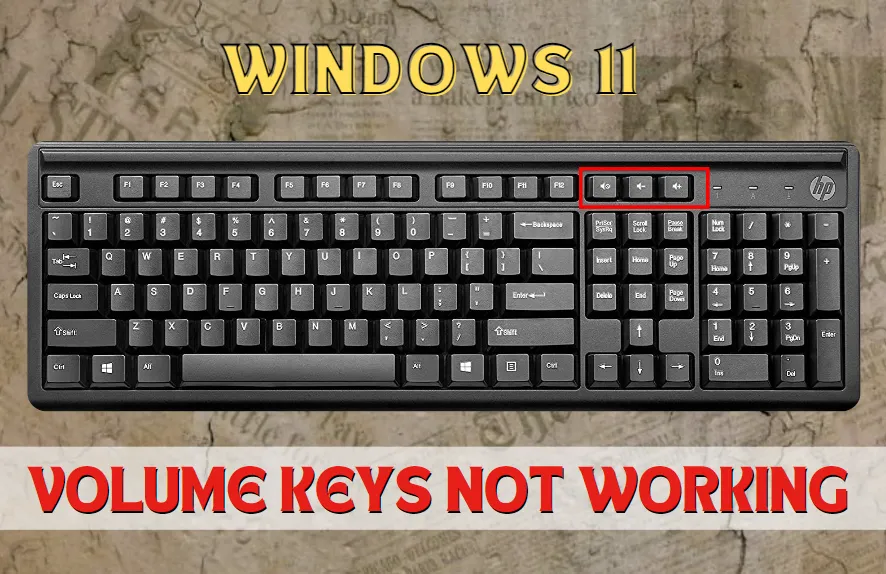
How to Fix Volume Key Not Working in Windows 11
Your volume key has stopped working in Windows 11. Fix it quickly and easily using these methods. Regain complete control over your audio settings wit...
Read
How to fix Next & Previous Buttons Not Working in Windows 11
If your Next and Previous buttons are not working in Windows 11 and you're struggling to change the audio, switch tabs, or switch to any other task, d...
Read
How to Fix Fn Key Problems on Windows 11 (Easy Steps)
Fix malfunctioning function keys (F1-F12) on Windows 11. This simple guide offers solutions to common issues. Learn how to reset the Key Mapper, refre...
Read