
How to Clear Recommended History in Windows 11
Know 7 effective methods to clear the Recommended history in Windows 11 for a cleaner Start menu and enhanced privacy. This guide covers easy steps, f...
Read
How to Fix Blurry or flickering Camera in Windows 11
Easy solutions to fix blurry or flickering cameras in Windows 11 with our step-by-step guide. Improve your video call and recording quality with these...
Read
How to share a Printer in Windows 11 (Local Network & IP Address)
Learn how to share a printer in Windows 11 via a local network or IP address. Follow our easy, step-by-step guide for quick setup, troubleshooting tip...
Read
How to Create Autounattend.xml for Windows 11
Learn how to create an autounattend.xml file for Windows 11 using tools like Windows System Image Manager (WSIM) or PowerShell. Automate installations...
Read
How to Fix Dual Screen Scaling Issues in Windows 11
Learn how to fix dual-screen scaling issues in Windows 11 that cause blurry text, distorted images, and misaligned elements across multiple monitors. ...
Read
How to Change the Sound Output in Windows 11
Learn how to change the sound output in Windows 11 to enhance your audio experience. Whether you're switching between speakers and headphones or custo...
Read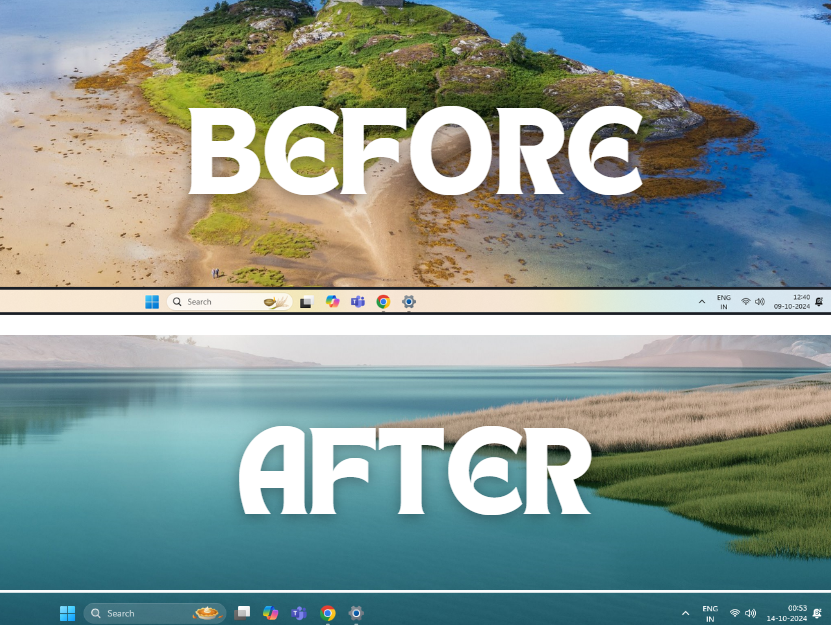
How to Change Taskbar Color in Windows 11
Learn how to change your Windows 11 taskbar color and enable transparency with easy steps. Use windows 11 settings, TranslucentTB, TaskbarX or advance...
Read
How to Fix Windows 11 Volume Change Automatically (Decreasing / Increasing)
Learn how to fix the frustrating issue of automatic volume changes in Windows 11. Our step-by-step guide covers essential solutions, including disabli...
Read
How to Turn Off Windows 11 Backup Notification
Learn how to easily turn off backup notifications in Windows 11 using methods like Settings, Registry Editor, Group Policy, PowerShell, and Task Sched...
Read